

cTrader trading platform
cTrader
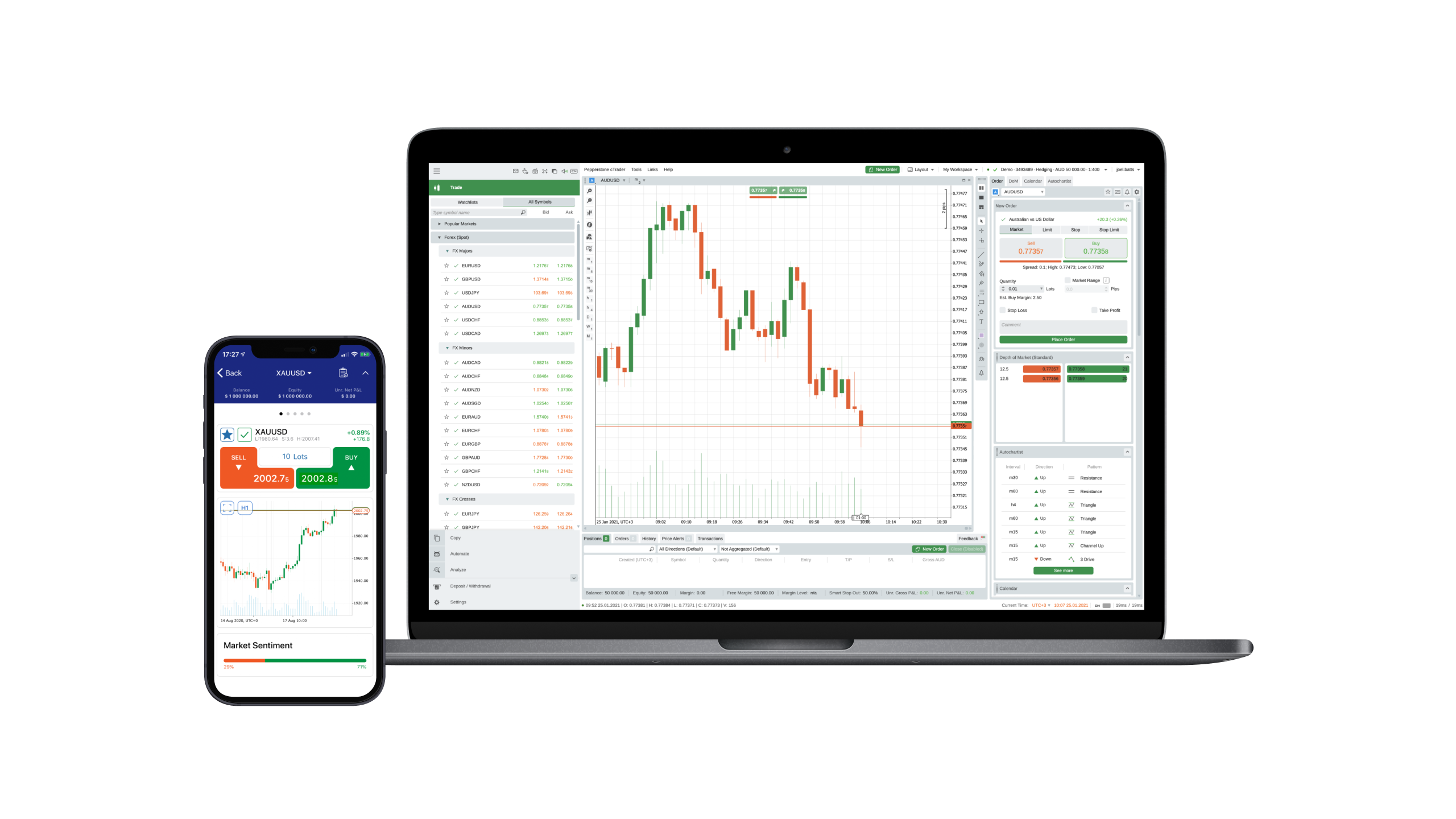
The feature-rich cTrader platform combines modern design with institutional performance. Intuitive for beginners, precise for professional traders.
Why choose cTrader?

Level II Prices
Get real-time transparency, with full market depth and trading volumes on any FX price level.

Extensive tools
Over 50 integrated technical indicators, different time intervals and advanced automation with C# programming.

Smart Stop Out System
Avoid complete position closures: This function reduces positions only partially to release margin.

Intuitive user interface
Slim, individually customizable layout with detachable charts, light and dark mode as well as multiple work areas.
Why cTrader at Pepperstone?
cTrader Automate
Develop, test and optimize trading strategies with the cTrader API and C#.
Tight spreads
Forex from 0.0 points on the Razor account and gold from 0.1 points¹.
Fast, reliable execution
From 50 milliseconds, with an execution rate of 99.32% – without dealer intervention².
24-hour CFD trading on US shares
Trade when it matters – with important US shares around the clock³.
Local Support
24 hours a day from Monday to Friday, 18 hours on weekends.
Trustworthy broker
Over 830.000 customers in 160 countries, represented by 10 international locations⁴.
Trading opportunities with cTrader at Pepperstone

CFD Standard
A similar market exposure as when buying the underlying value directly – but only deposit a fraction of the position value as collateral.All fees – except possible overnight costs – are included in the spread. Additional commissions do not occur.

CFD Razor
Provides the same trading terms and conditions as the standard account, but with forex-trade commission based pricing.Raw FX spreads starting at 0.0 points¹ combined with fixed, transparent commissions starting from 3.50 USD per lot, per side.
How to log in
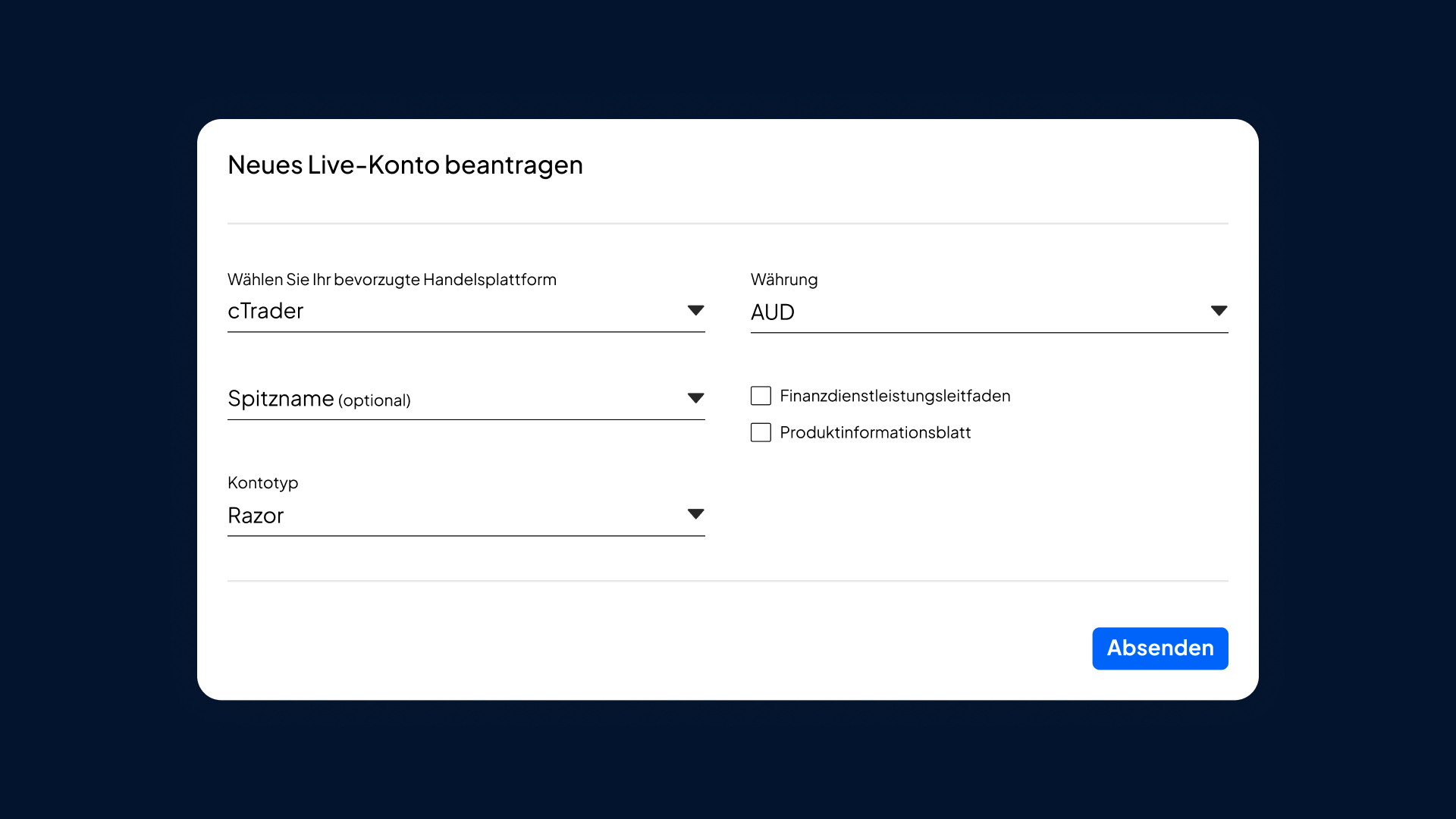
1. Open Pepperstone account
Create a live or demo account and select cTrader as your preferred platform.
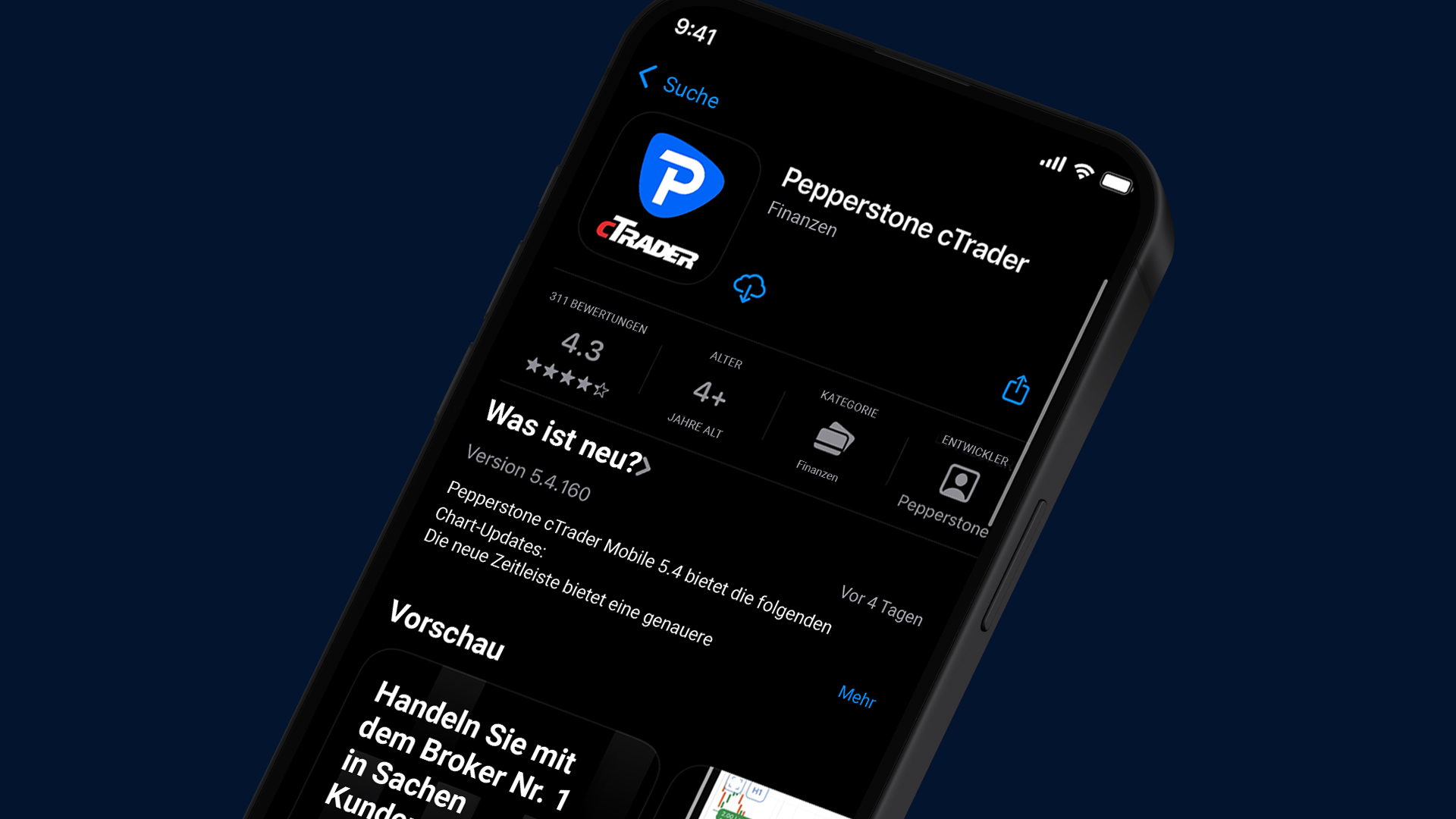
2. Download and install Pepperstone cTrader app
cTrader is available via mobile (iOS, Android), desktop or as a web app.
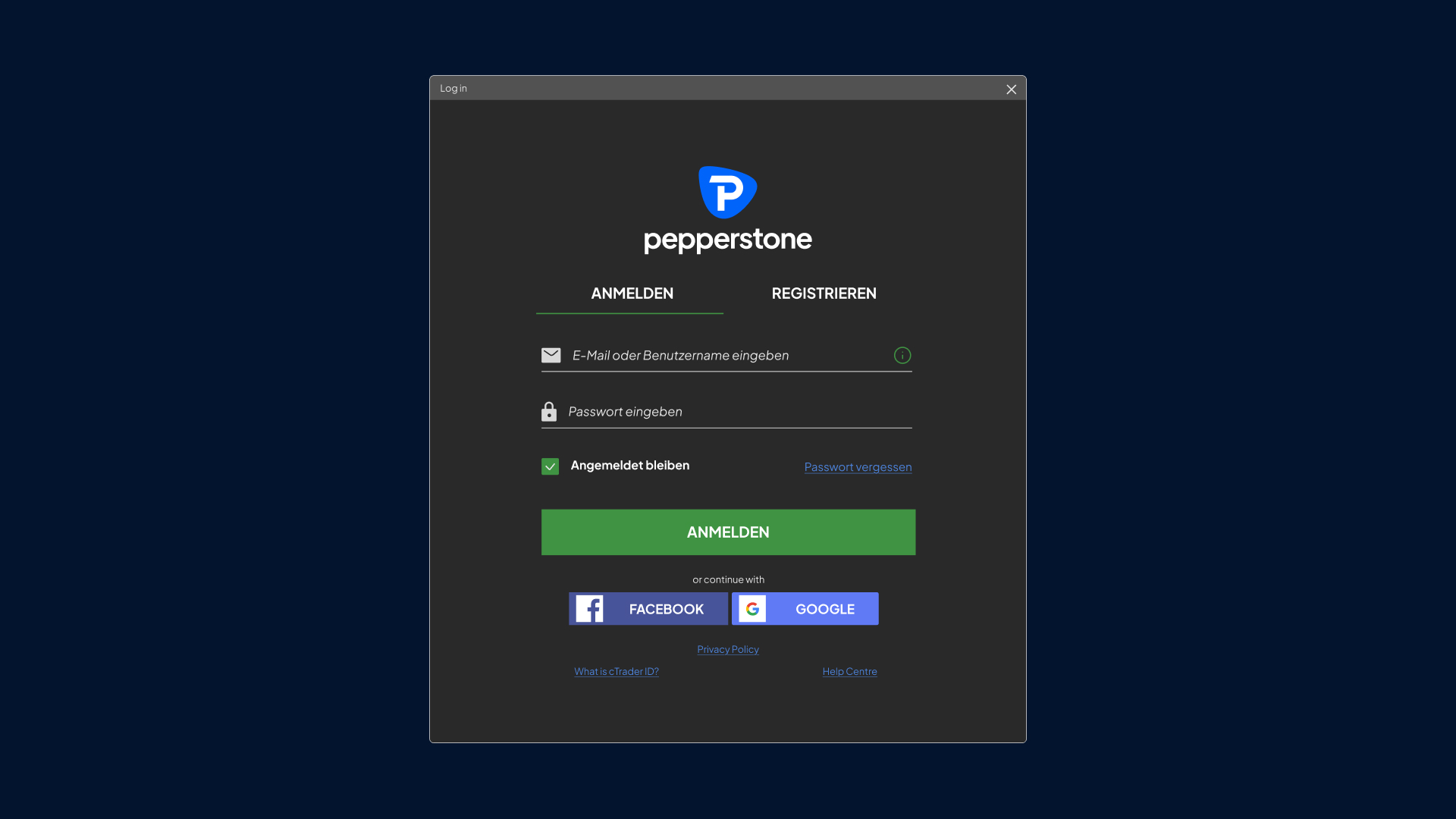
3. Log in
Enter your personal cTrader ID (cTID) sent by e-mail, or your cTrader username and password.
4. Call up trading accounts
After login, all Pepperstone trading accounts linked to your cTrader ID are available.
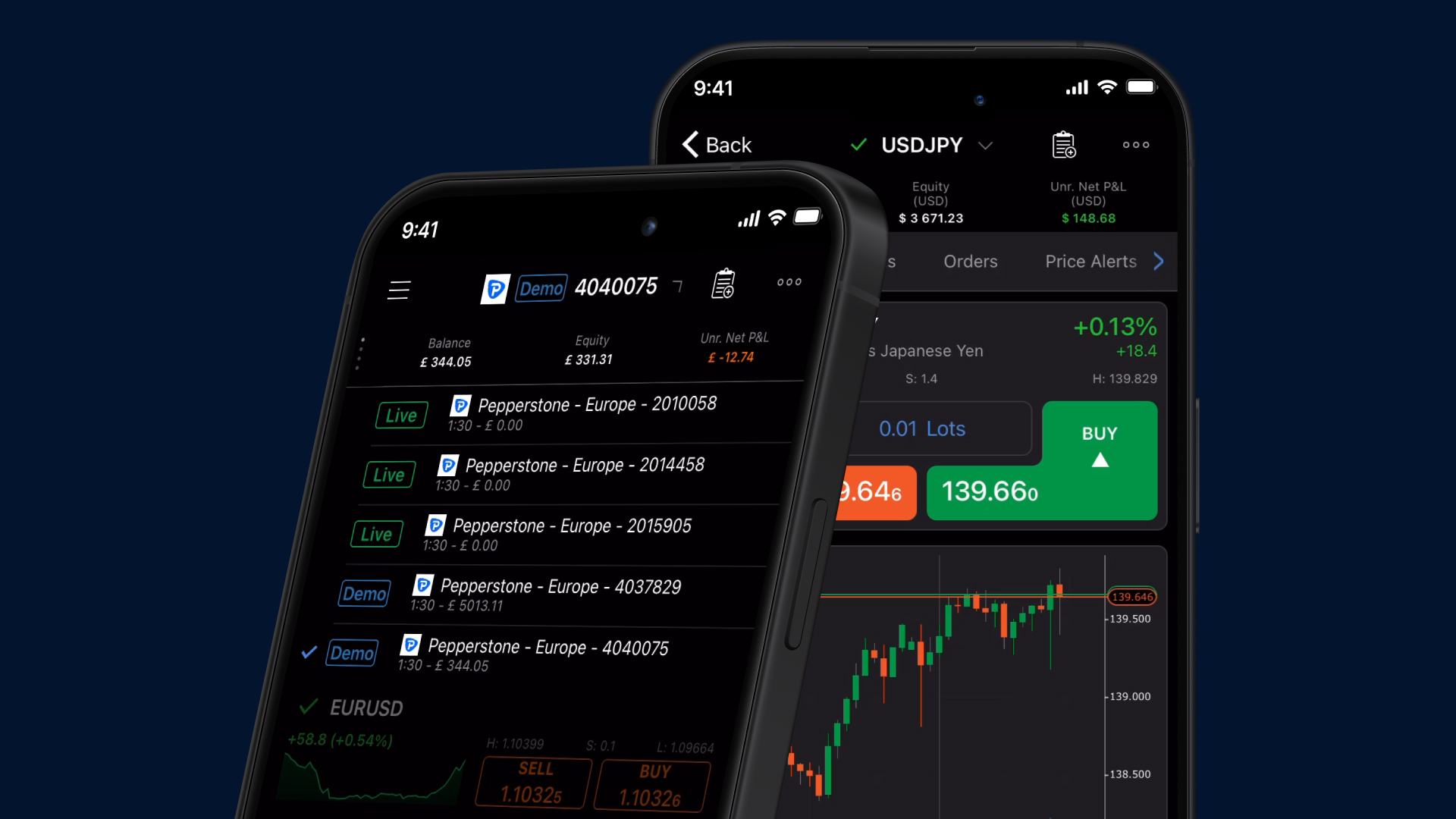
Start-up
To make it easier to access the cTrader Mobile app, various resources are available – just select one of the following links.
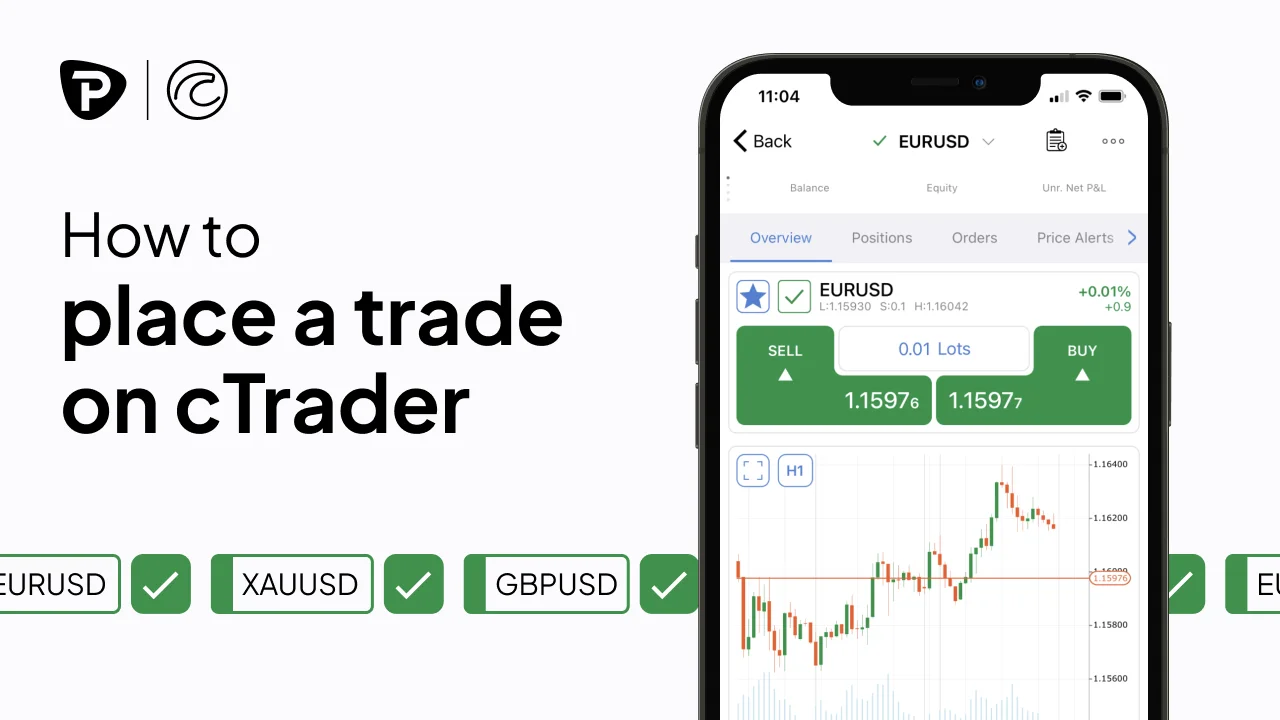
How to Place a Trade
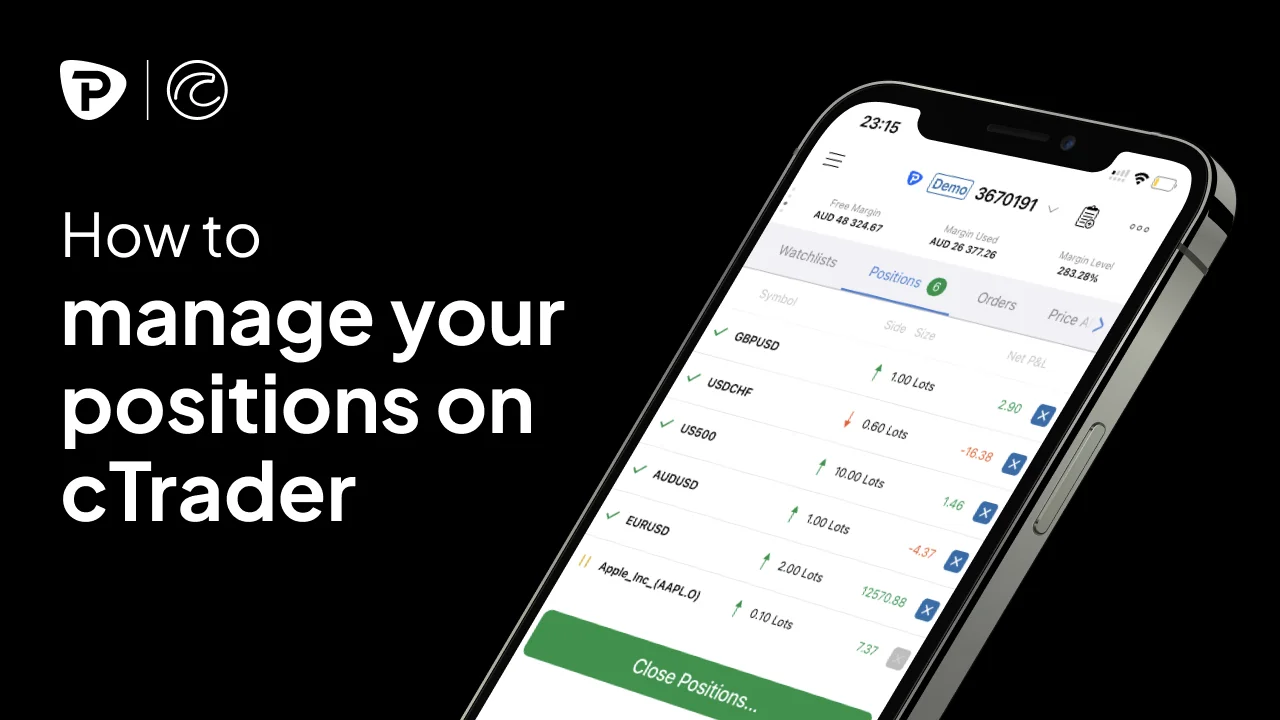
How to manage your positions
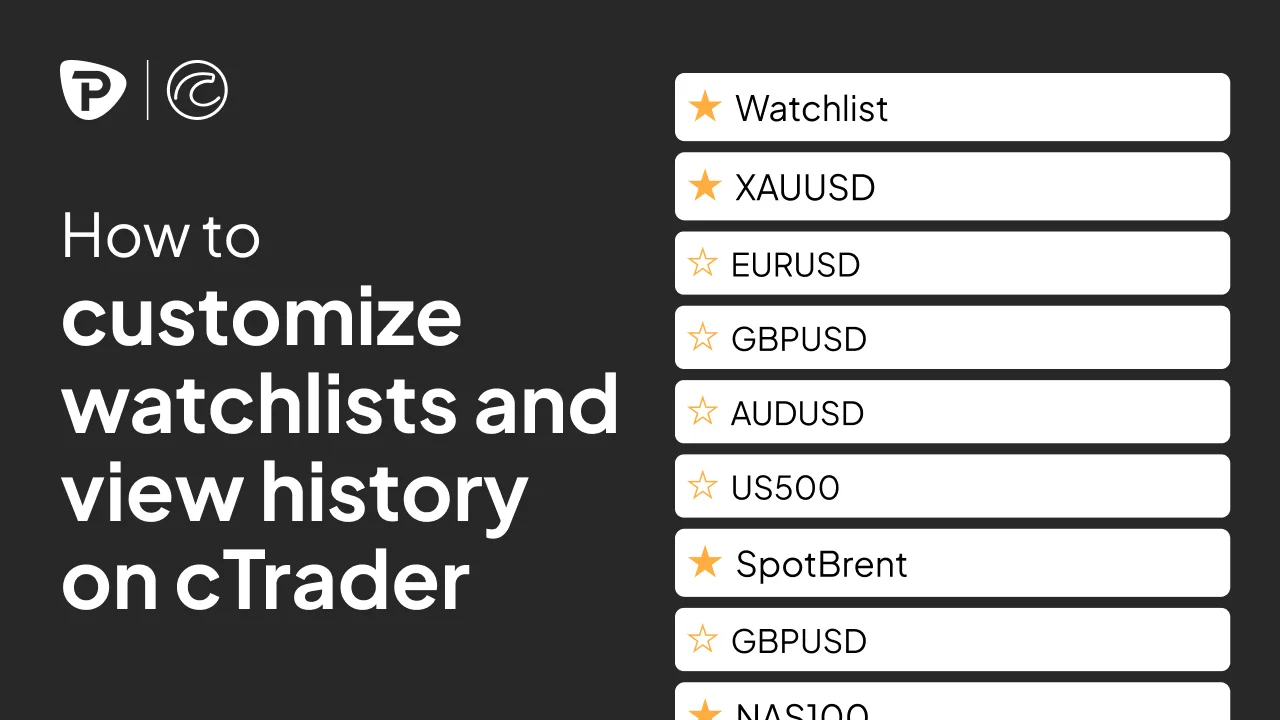
How to adjust your watchlist and call up your history
How to customize charts and add indicators
FAQs
To start, you need your cTrader ID or cTID – a unique login that will be sent to you by email and provides access to all of your trading accounts. Keep this email well. Open the cTrader platform and log in with your cTrader ID and password. If you have any questions: [email protected].
cTrader has an integrated video library that is accessible in the "Help" menu on the top left of the platform. These easy-to-understand videos explain the most important basics for using the platform.
1. Open chart.
2. Right click → "Create new order" select.
3. Choose from different order types: Market Order, Limit Order, Stop Order and the extended Stop-Limit Order option.
1. Activate the fields for stop loss and take profit in the order tab.
2. This opens the possibility to set both values.
3. After entering the criteria, you can check the settings before placing the trade.
cTrader makes risk management easier and more transparent. Before placing a trade, you will see a clear preview of your pip value and the required margin – so you can make informed decisions.
The platform also features an expanded "Analysis" tab that provides an overview of the account performance, including:
a. Total profit/loss
b. Market exposure
c. Current volume
For additional capital protection, cTrader has the Smart Stop Out system. This automatically closes small parts of your largest positions to prevent the account from slipping into minus.
Ready for better trading?
Switch to Pepperstone now and become part of a global community of over 830,000 traders⁴. The account opening takes just minutes with our online application process.
1
Register
Sign in with your email address and receive a free demo.
2
Answering Questions
Suitableness for the products is tested.
3
Verify
Security is a top priority.
4
Deposit
Done – you can start trading.
¹ Additional fees may apply.
² 99.32%. The execution rates are based on all trade data between 01.10.2025 and 31.12.2025.
³ 24-hour trading 5 days a week for selected US shares CFDs. Accurate trading times in the instrument specifications of the trading platform.
⁴ Total number of accounts held by Pepperstone Group worldwide, as of October 2025